Part 5 of 15
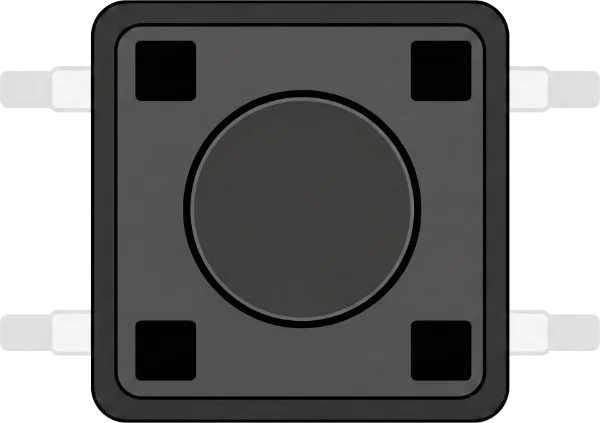
Push button
A little button to press
In your kit: 5×🔎 What is it?
A push button makes contact as long as you press it. When you let go, the contact is gone again. Your Arduino can feel if the button is pressed. Your kit has 5 buttons.
🔌 This is how you connect it
The button has 4 legs. You only need 2 of them: one to a pin (for example D2) and one to GND. In the code, you set the pin to INPUT_PULLUP. Then the pin is HIGH when you do not press, and LOW when you do press.
Wiring diagram
| From | To |
|---|---|
Arduino UNO · D2 |
Push button · 1 |
Arduino UNO · GND |
Push button · 2 |
✨ What can you do with it?
- Turn a little light on and off
- A doorbell
- A game: who presses the fastest?
💡 Tip
Not sure which legs to use? Take two legs that are diagonally opposite each other. Then you are always right. Put the button across the gap in your breadboard.
Projects with this part
Codey Online is a product of OTRONIC